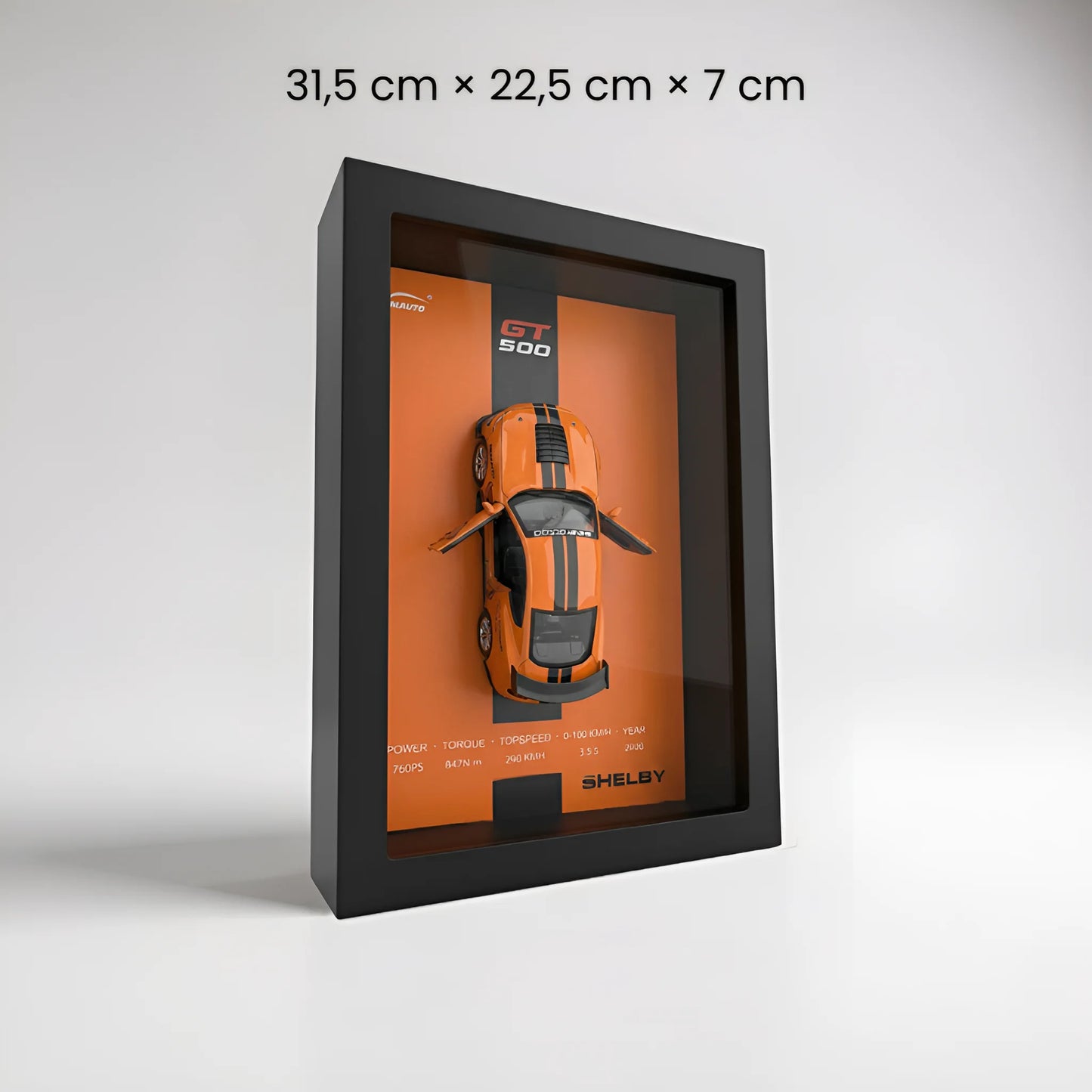
1. Unboxing Carefully remove the frame, LED bar, and remote control from their protective packaging. Each item is meticulously packed to ensure it arrives in perfect condition.
2. Charging the LED Bar Plug in the LED bar using the provided USB-C cable and allow it to fully charge before its first use.
3. Magnetic Attachment Position the LED bar in the upper recess of the frame—it will automatically attach thanks to integrated magnets, requiring no tools or complex handling.
4. Setting the Scene for the Miniature Before inserting the glass, customize the scene: open the doors, hood, or trunk according to your preferences for a unique look.
5. Inserting the Glass Remove the protective film from both sides of the plexiglass, then gently slide the glass into the slot provided at the front of the frame.
6. Installation Place your display on a stable surface or hang it on the wall to fully enjoy the 3D effect.
7. Lighting Adjustment Use the remote control to adjust the light intensity and choose between warm or cool light depending on the desired ambiance.
8. Removable Miniature Unscrew the rear fasteners to remove the miniature car. Pull it back on a flat surface and release—it will move forward on its own thanks to its friction system.
9. Functional Headlights Insert a battery into the car to activate its headlights and enhance the immersive effect.